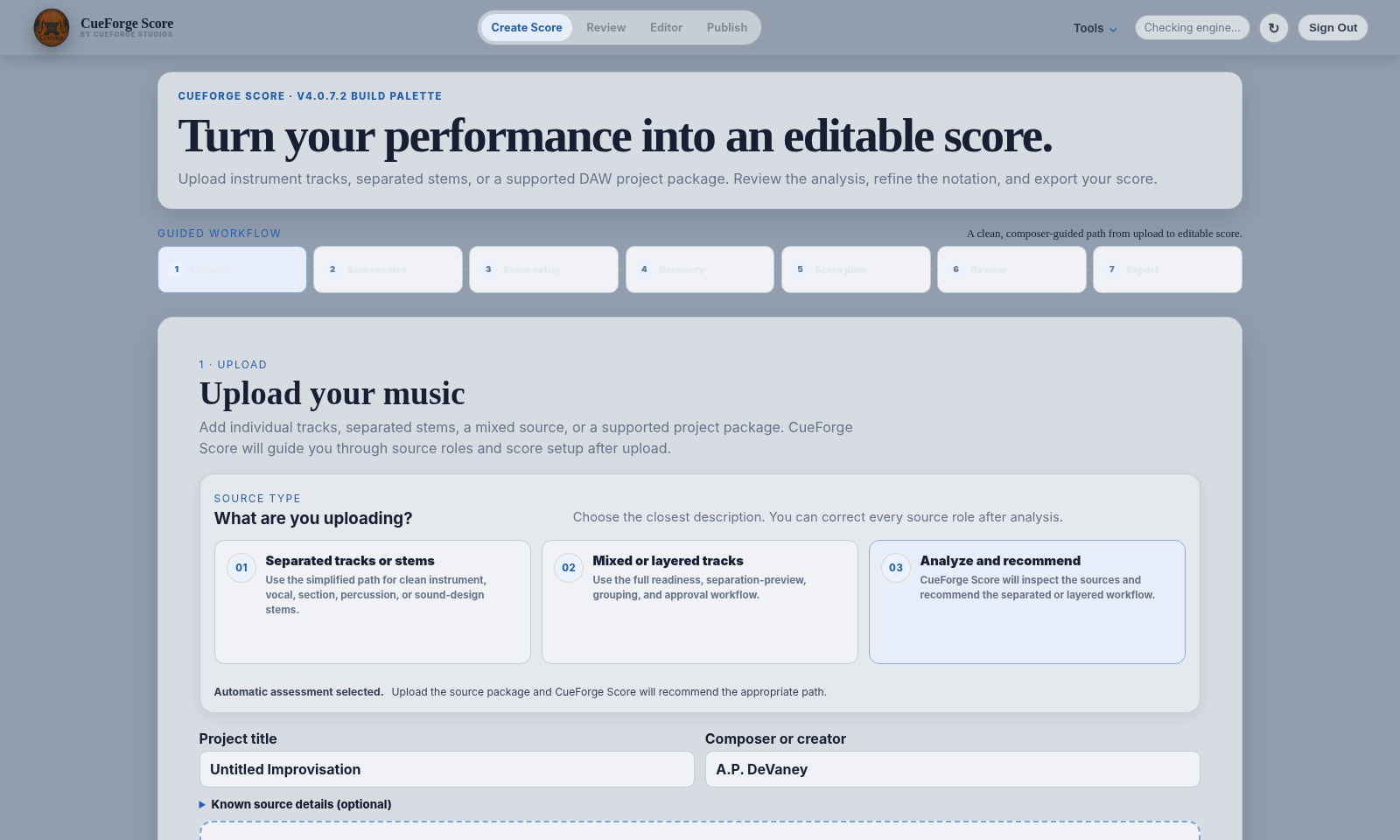
Source Preparation
Start with separated stems whenever possible.
Original instrument tracks, separated stems, supported DAW projects, and organized ZIP packages create the clearest path into notation. Full mixes remain useful for reference.

Prepare the music, compare the result, edit the score, and export what you need.
Original instrument tracks, separated stems, supported DAW projects, and organized ZIP packages create the clearest path into notation. Full mixes remain useful for reference.
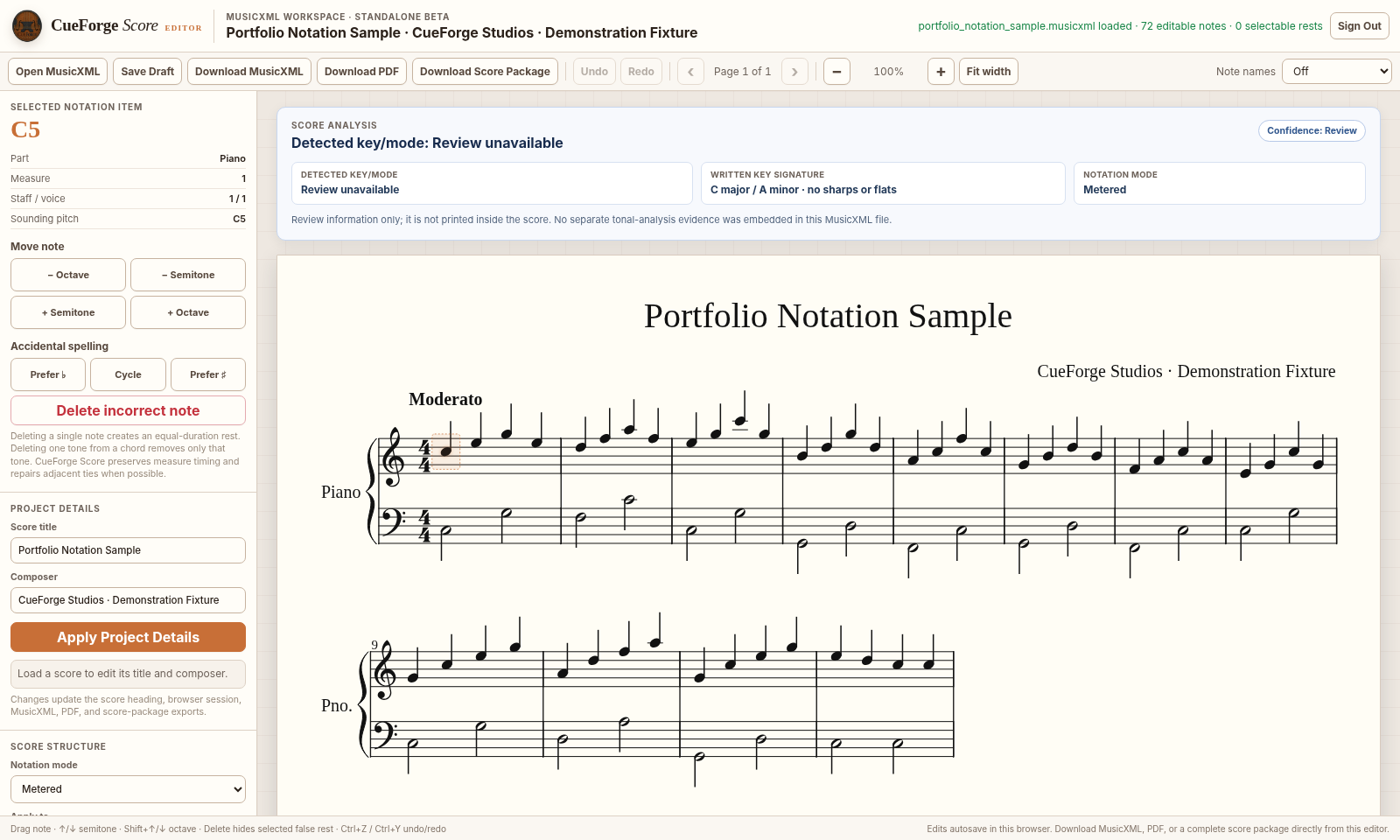
Compare source playback, sounding-note coverage, instrument mapping, timing, and notation before treating the score as finished.
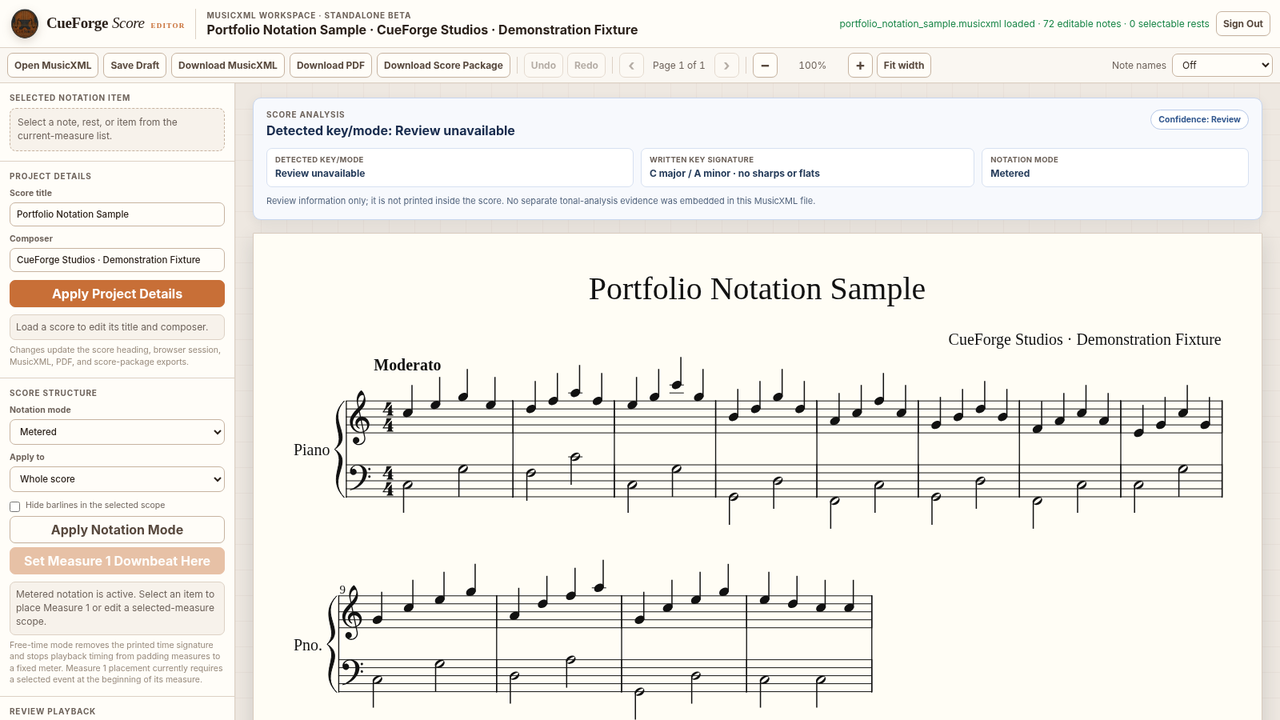
Refine notes, rhythms, rests, and layout in a lightweight editing workspace, then continue in the notation environment that best fits the project.